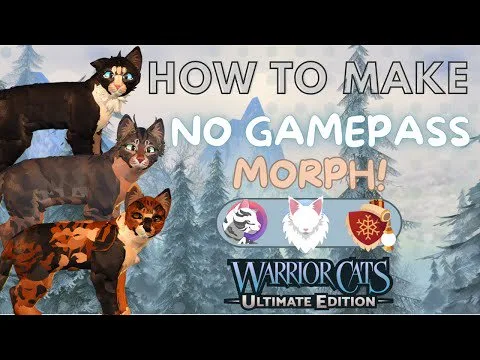
A morph is the cat you build in the creator. Other players recognize you by silhouette, not by a paragraph in chat.
A readable build
- Choose a base coat with enough contrast that markings still show in a camp.
- Add one or two signature marks: tabby, spots, stripes, or a face or tail mark. Stacking every pattern makes the cat unreadable at patrol distance.
- Match the eye color to the sentence you will use to describe the cat.
- Use body size and proportions to show age. Kits and apprentices should not rely on chat to look young if a younger body is available.
- Add accessories after the coat works. A collar, scar, or flower should point at the character. It should not replace the coat.
- Save the slot, then look at the cat in a camp, not only in the creator preview.
What the old creator tour still shows
The August 2020 how-to-play video, which links this place, walks through age, head accessories, tail length, color, Save/Load, reset, and the name and description fields. Those steps prove the creator has long been the front door. They do not prove every 2020 button label is still in the same place.
Free options versus passes
You can roleplay with the options included for free. Passes add extra markings, muzzles, ears, scars, eye colors, kittypet accessories, and a larger warrior body. A 4X Save Slots pass is listed offsale, which means extra slots were sold and are not a current purchase. See the gamepass guide before you spend Robux.
Design habits that show up in current morph tutorials
Creators who demonstrate 2025 builds keep colors inside one family, fade edges instead of hard patches, and line the face up with the body. A December 2025 scar tutorial builds a half-face scar, a rear cape scar, and a full-face scar by matching skin color to nearby fur. Scar layers often depend on the Extra Scars pass. If a slider from a video is missing, it is a pass or a seasonal pack, not a broken button.
Copying another player's saved cat is a separate problem from copying a color idea. Build from the controls you own.