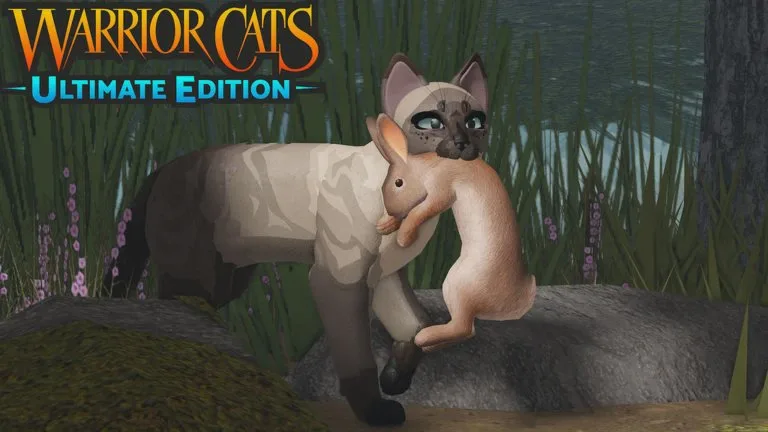
The Roblox description confirms three computer controls: Q and E change speed, V drops a held item, and Shift+P toggles the cinematic camera. Animation hotkeys are said to be found in game. The longer list below comes from the game's documented computer hotkeys. If a key does nothing, the bind may have moved. Check the in-game menu before you assume the key is wrong.
Movement and camera
| Action | Computer | Mobile |
|---|---|---|
| Move | W A S D | Left joystick |
| Jump | Space | Jump button |
| Slower | Q | Gait or speed button |
| Faster | E, pressed several times to sprint | Gait or speed button |
| Sprint | Shift, or E several times | Speed button |
| Camera | Mouse | Drag |
| Cinematic camera / perspective | Shift+P | Not available as spectator mode |
| Drop held item | V | Use the on-screen prompt if one is shown |
| Minimap | M | Use the on-screen map control if it is present |
| Settings | L | Rightmost button on the hotbar |
| Chat | Enter or the chat bar | Chat field |
Pose keys
| Pose | Key |
|---|---|
| Sit | R |
| Loaf sit | C |
| Rest | Y |
| Sleep | T |
| Back lay | U |
| Crouch sit | G |
| Side sleep | J |
| Side rest | K |
| Front lay | H |
| Stretch | Z |
| Flat sleep | X |
| Groom | B |
| Yawn | N |
Face and ear keys
| Action | Key |
|---|---|
| Close or open eyes | 1 |
| Lash tail | 2 |
| Pinned ears | 3 |
| Timid ears | 4 |
| Open mouth | 5 |
On mobile, poses and emotes open from the circular paw-print button on the bottom bar. There is a gait button on the right side of the screen. Spectator mode is documented as unavailable on mobile.
Practice sit, sleep, and groom alone before you need them in a meeting. A scene stalls when everyone stops to hunt for the emote menu.